App Editor
This is a guide for developers to integrate their applications through the IONFLOW platform.
1. Create a new App
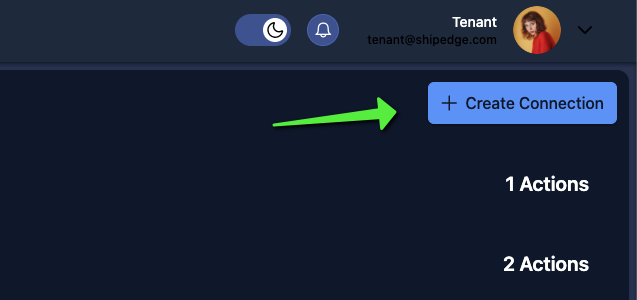
Section titled “1. Create a new App”You can create a new one in the Create app section on the Connections page.
2. Use OPEN API
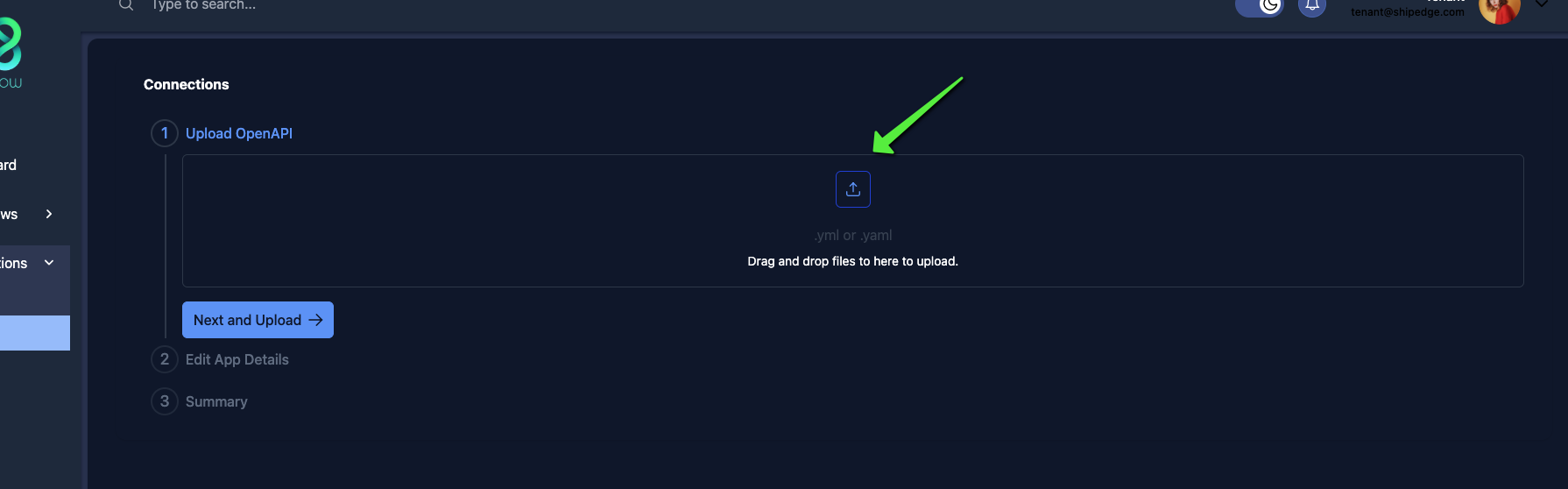
Section titled “2. Use OPEN API”It’s not necessary, but you can use OPEN API to connect your application. If you already have it created, this will help you preconfigure many of the actions that your application could offer.
3. Configure your application
Section titled “3. Configure your application”If you chose to use OpenAPI, your application will have preconfigured endpoints as well as authentication methods.
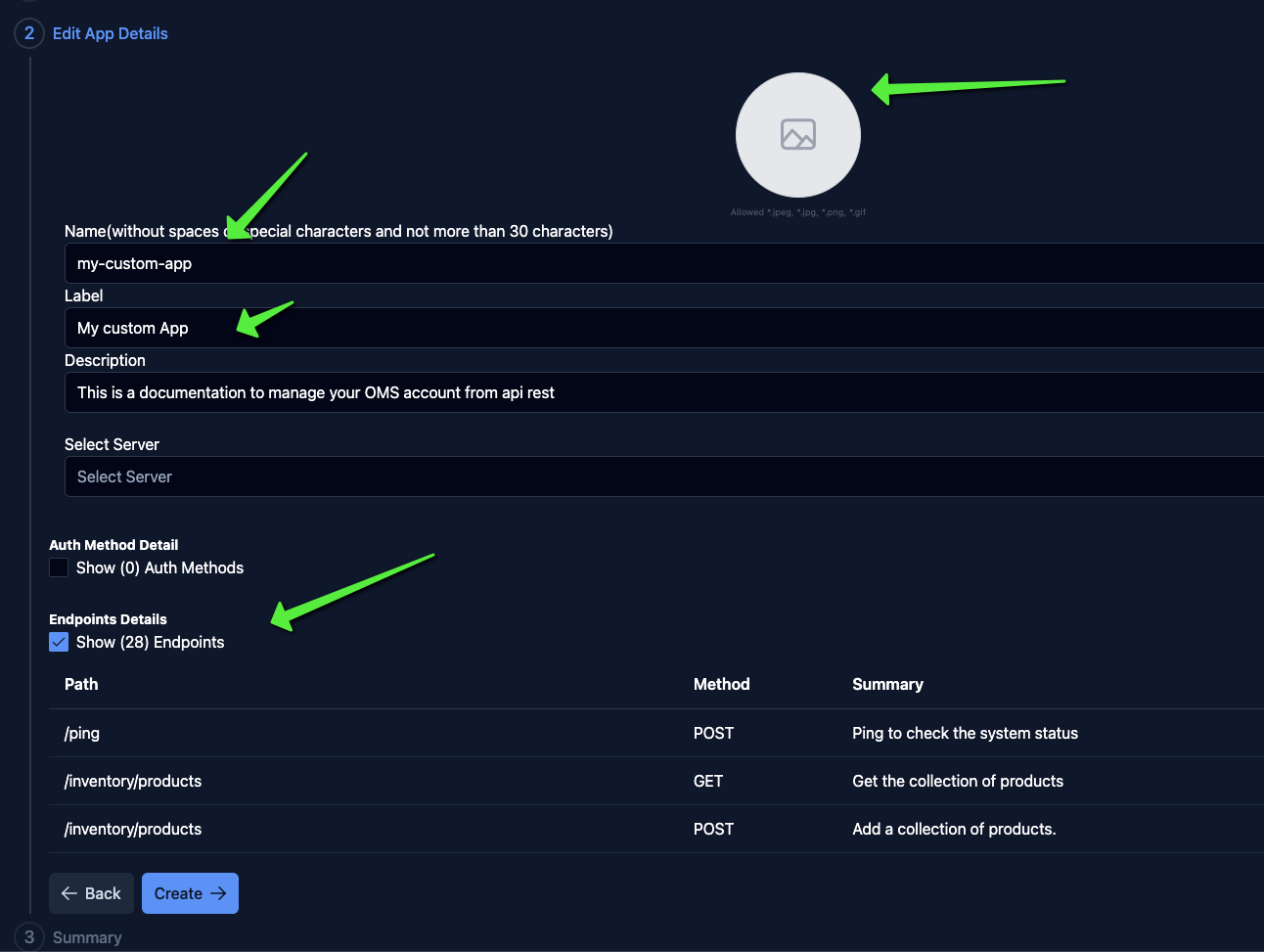
It is necessary and mandatory to configure the “name” and “label”, and optionally an image for the “logo” and a “description”.
4. Finally, save your application
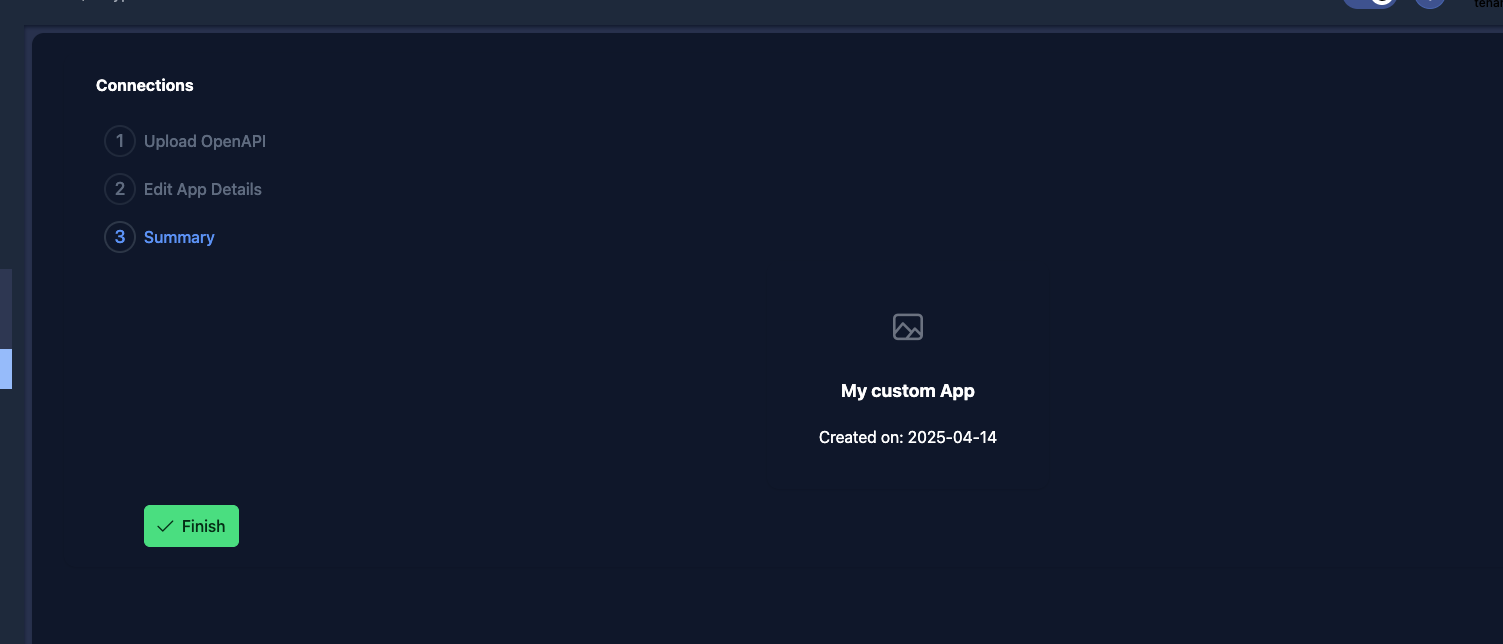
Section titled “4. Finally, save your application”Press “Create” and you can proceed with the configuration of your application.