
Authentication

For this important section, if your application has some form of authentication, such as OAuth, you will need to create a module to obtain a credential to use it every time an action is used.
1. Credentials
Section titled “1. Credentials”At the moment we have credentials working, which asks the user for necessary parameters for the base connection when using a module.
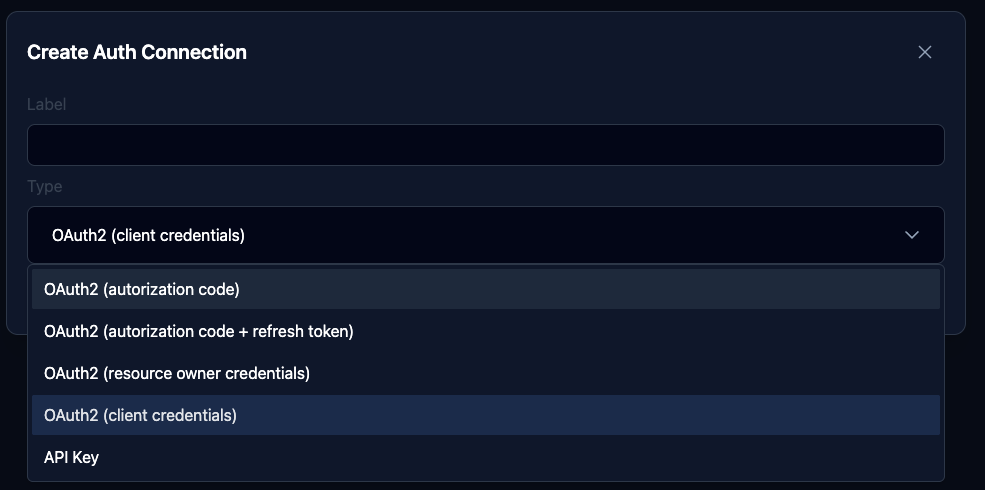
Once created, we can see the sections:
1.1. Communication
Section titled “1.1. Communication”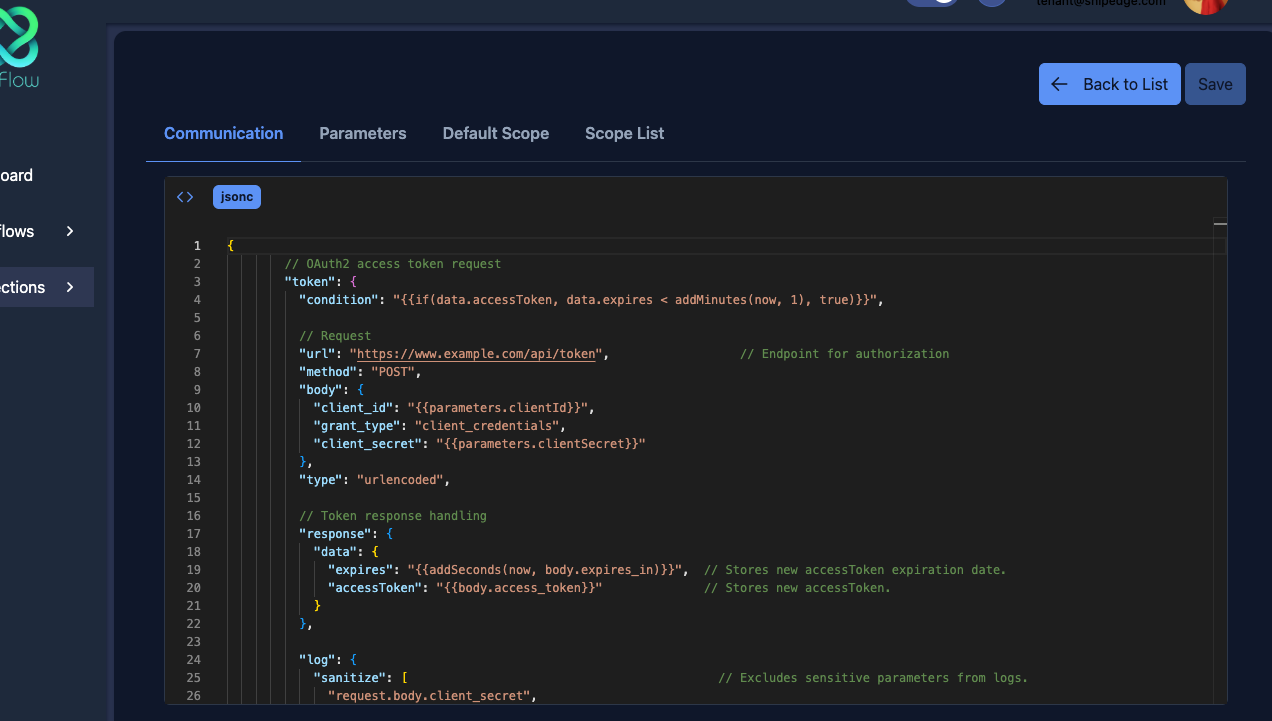
At the moment we have nothing to configure in this section.
1.2. Parameters
Section titled “1.2. Parameters”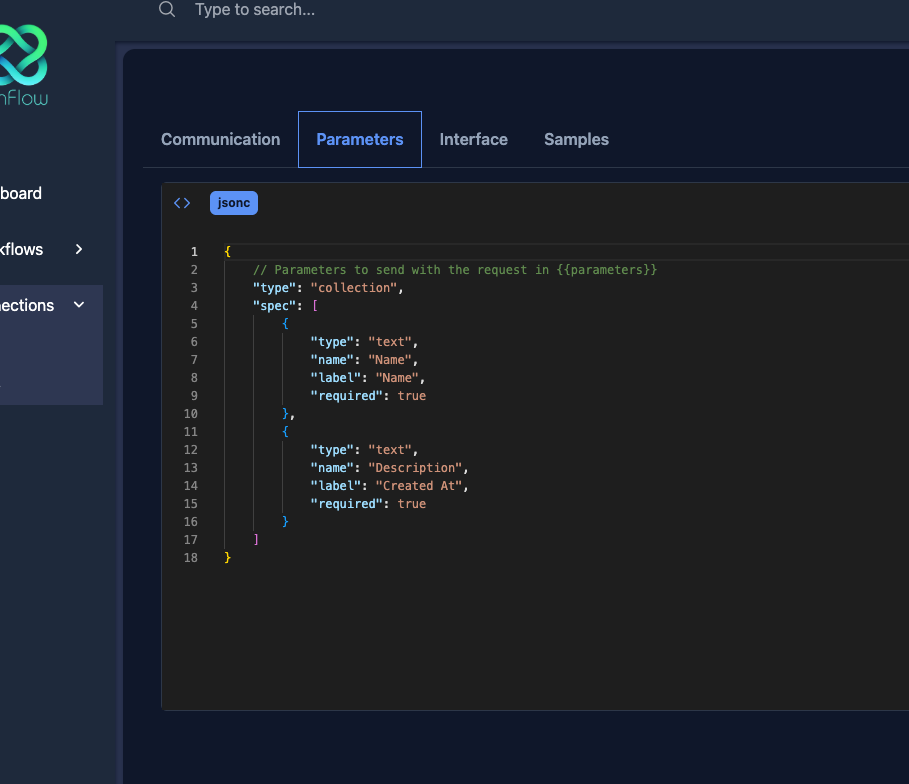
In this section, follow the Spec convention to define the parameters in the connection. For example, if my authentication requires an api key in the header, we could configure a form to ask the user to configure their section by requesting this parameter:
{ "type": "collection", "spec": [ { "name": "apiKey", "type": "string", "label": "API Key", "required": true } ]}Which will save in a connection record to be used and only used in the application base.
For example, if in my base I need this apiKey in the header concatenated before with a Basic, we could build our application base like this:
{ "baseUrl": "https://api.example.com/v1", "headers": { "apiKey": "Basic {{connection.apiKey}}" }}When the user configures a new connection, when using this module, the respective references will be filled:
{ "baseUrl": "https://api.example.com/v1", "headers": { "apiKey": "Basic 123456789-a" }}